 By Ultima Music
Complete checkout
Continue to our checkout and review the license terms and purchase details before payment.
GUITAR HARMONY HELPER FOR WINDOWS
Take your ideas beyond the one-bar demo. Write longer guitar tab projects, explore multiple harmonies, and save your work for the next session.
FROM CHECKOUT TO YOUR FIRST SESSION
Continue to our checkout and review the license terms and purchase details before payment.
Both are available after payment. Your license is also sent to the email address used at checkout.
Install the Windows app and activate with your license. Our installation guide walks you through setup.
BEFORE YOU BUY
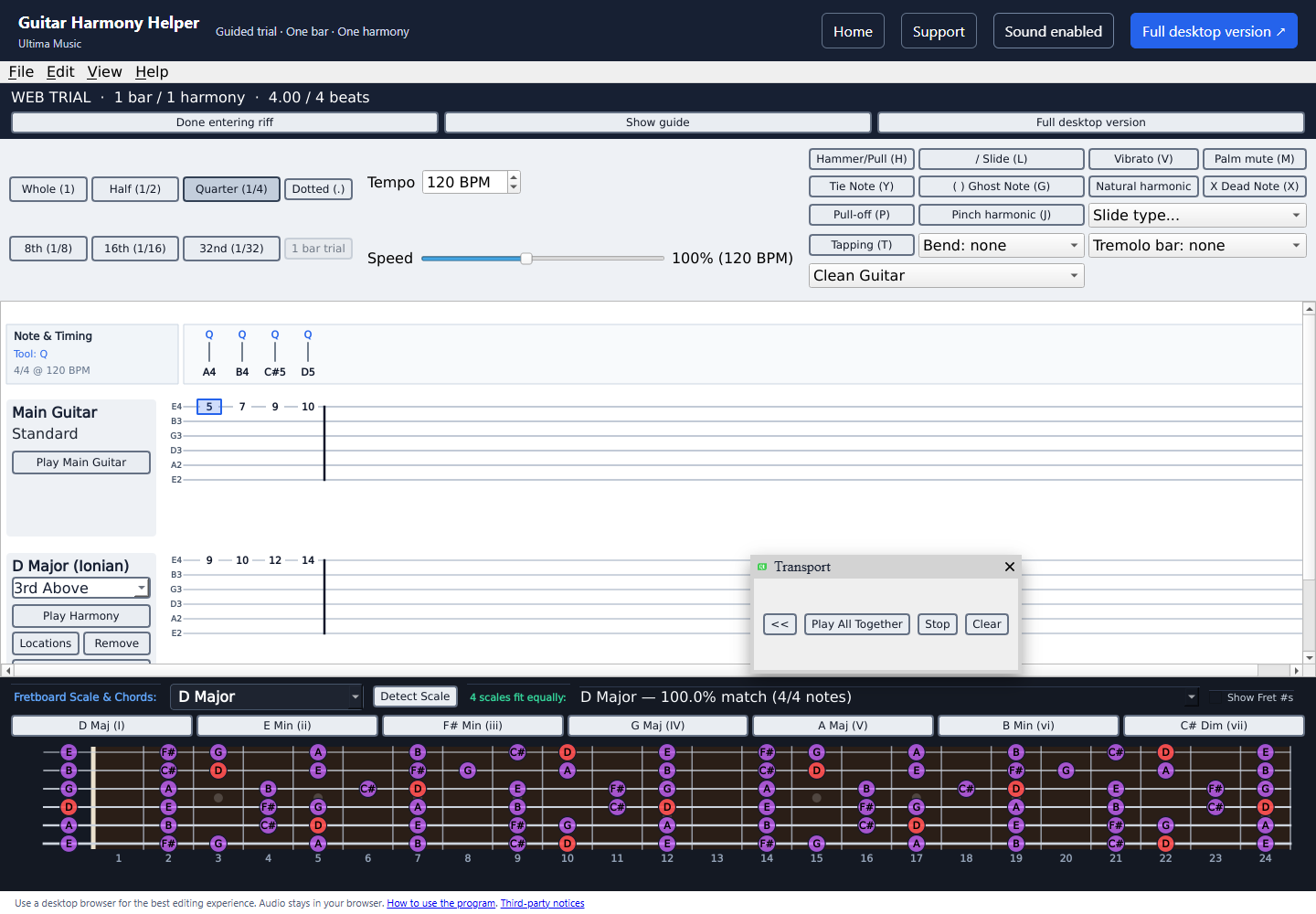
Test the workflow in your browser, or watch the creator’s walkthrough.
Ask a question →This purchase is for the Windows desktop application. The free browser demo lets you try the editing and harmony workflow before buying. Use a desktop or laptop for the best demo experience.
One person may use the app on up to two computers. Version 1 is yours to use permanently, with free version 1 updates. Future major versions may be sold separately.
Save your Windows installer and license after payment. Your license is also delivered to your checkout email. Keep a copy of both for future installation.
Email customerservice@guitarharmonyhelper.com for troubleshooting. If a technical problem prevents use and cannot be resolved after troubleshooting with you, you may request a refund. Your rights under applicable law are unaffected. Read the full license terms and refund policy.
The current Windows installer is digitally signed by Stephen Chrzan. See our Windows installation help.